Oliver Palmer
Magic 5 Ball
My parents are zealous Wordle-ers, and have been since the game came out in late 2021. Just before the Christmas of 2022, I had an idea that I could make them a sort of Magic 8 Ball for a present which would give them random suggestions for 5-letter Wordle words.
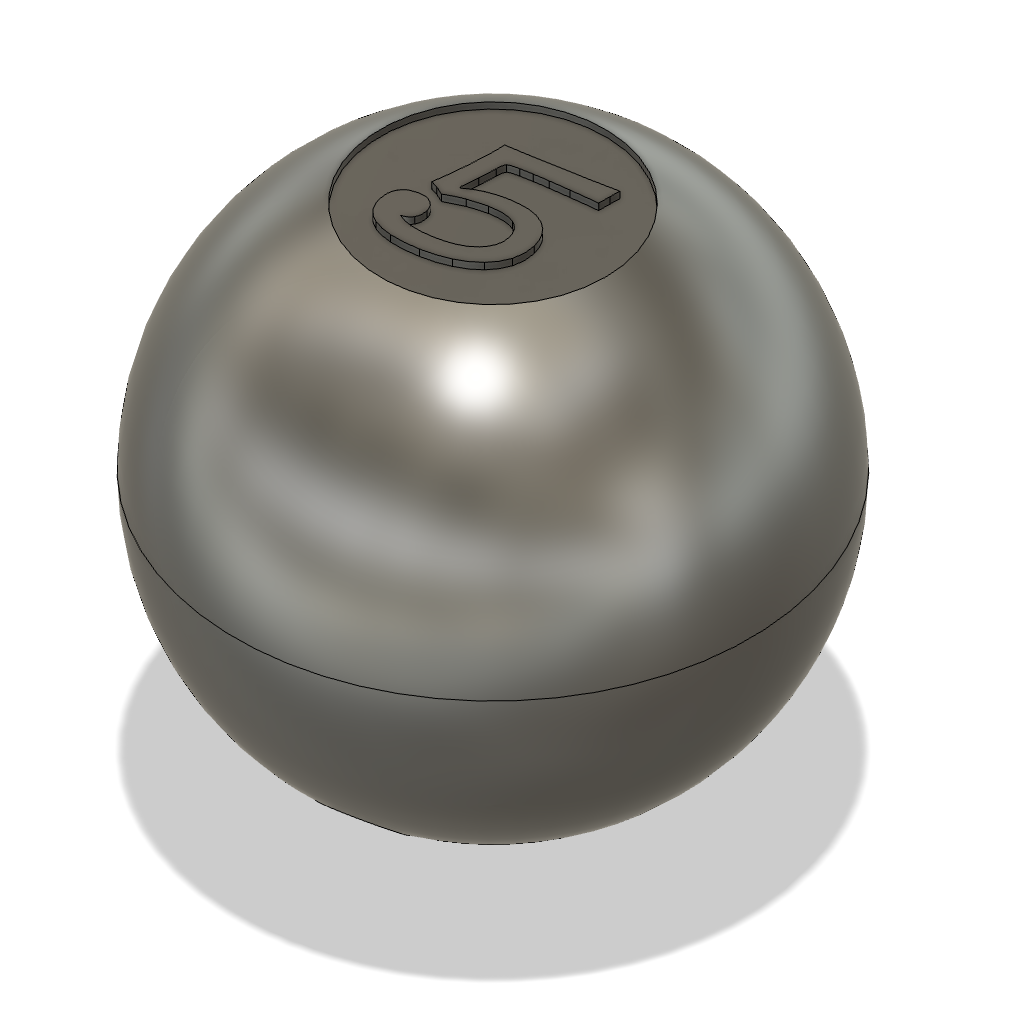
It would be easy enough to 3D print and paint a "Magic 5 Ball" shell, and stuff it full of a round lcd screen, microcontroller, accelerometer, and battery. The original Wordle words list had about 2,300 5 letter words, or 11,500 8-bit characters, which would fit easily in microcontroller flash (a custom 2,300-sided die was out of the question). An accelerometer could detect when the ball was shaken and "rotate the die" to a new random word each time.
I had seen product listings for 1.28" round TFT LCD display modules which would fit perfectly in a Magic 8 Ball-sized shell. My first plan was to buy the individual parts I needed on break out board modules, solder it all to gether, and hide the mess within the shell. As I was shopping for the parts, I lucked out and found some all-in-one modules, with a round screen, microcontroller, accelerometer, and even a li-ion battery charger all on one board.
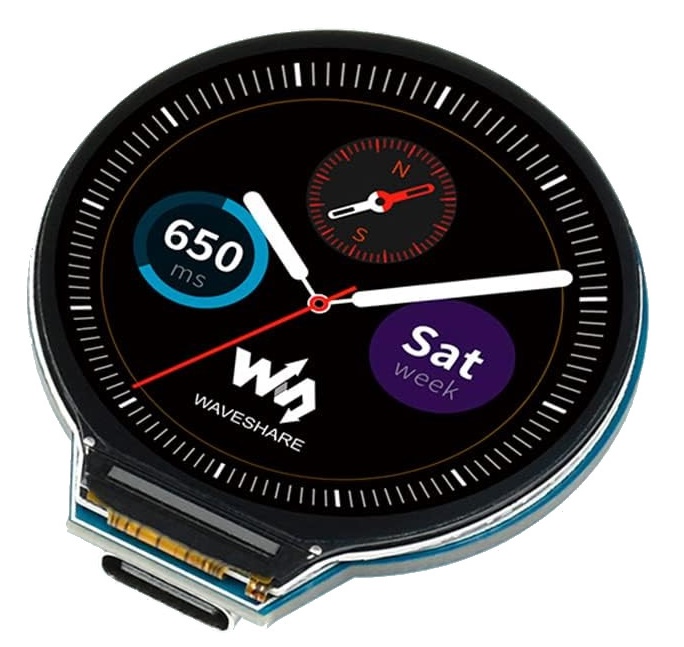
It seems like these modules are targeted a those wanting to make their own DIY smartwatches, however they are also perfect for simplifying the design of the Magic 5 Ball. The specific module I chose was the Waveshare RP2040-LCD-1.28, with a Raspberry Pi RP2040 microcontroller and plenty of documentation.
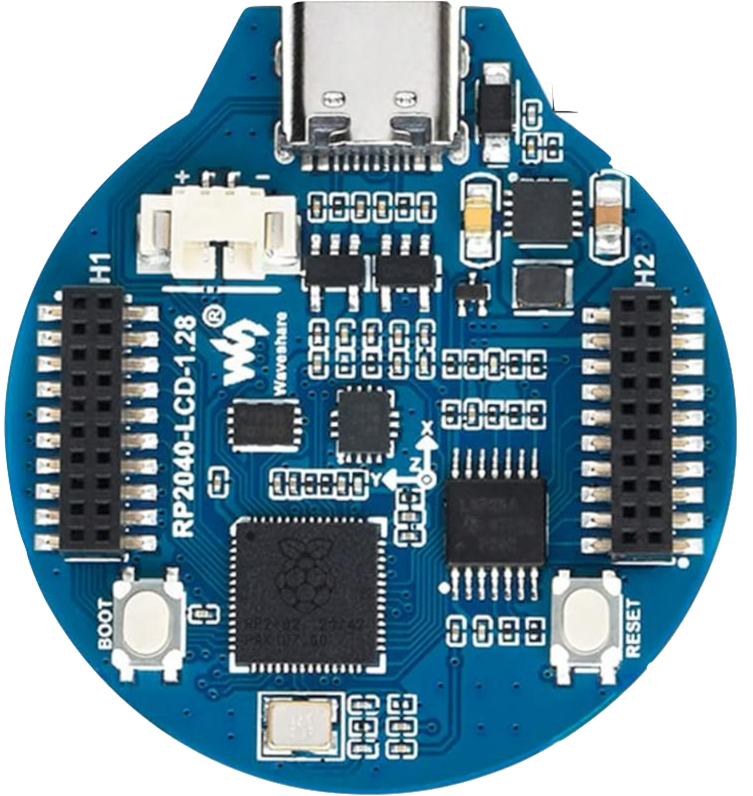
For wiring this module, I would just need to buy a li-ion battery and connect it to the battery header. Dealing with the onboard accelerometer and display would just be a software task.
I downloaded the list of the ~2,300 original Wordle words to get things started.
The general plan for the microcontroller program would be to display a random Wordle word on the screen in white text over a blueish purple triangle, resembling the original Magic 8 Ball as close as possible. The Waveshare module came with an LCD graphics library which could draw text and shapes to the screen with high level functions, but the fixed font style and simple colors wouldn't close to matching the appearance of the actual 8 ball.

The microcontroller and display could be used with the more sophisticated LVGL graphics library, but looking at the documentation and UI examples I wasn't confident that I could use it to achieve my desired appearance in time for Christmas.
Since what I needed to display was fairly simple, I figured I could just make a bitmap of the bluish purple triangle as a background, and composite in text on top of it for each word. The text could be stored as bitmap of the whole alphabet, with any letter accessible by a position offset. This bitmap strategy would allow me to just use a vector design program like Inkscape to easily make a triangle and find a font which I was happy with. The fading in effect after shaking could be greatly simplified also by fading in the LCD backlight without touching the LCD graphics.
The compositing of the text on top of the background proved to be a little difficult. When a vector font is displayed on a screen, it must somehow be placed into pixels (rasterization). Since the text on the Magic 5 ball display will be around 15-20 pixels high, it will appear very basic and jagged if we only let black and white pixels approximate the shape of the vector font. Fonts are almost always rasterized on modern displays with some form of blending, such as anti-aliasing, where the pixels will take on some shade of grey depending on how much they overlap with the vector outline of the font character. In our case, the rasterized text in the bitmap will be white (RGB channels equal), with the transparency (alpha channel) varying depending on the vector font overlap. This can all be done easily on the computer when saving the font alphabet to a bitmap, ensuring it is anti-aliased in a way that looks good.
To composite the semi-transparent text pixels onto the background, I ended up taking a weighted average of the text color and the background color for each pixel position, where the weight for the text color was the alpha channel value (from 0.0 to 1.0) and the weight for the background was 1.0 minus the alpha channel of the text. I tested the approach with a Python demo before deciding I was happy enough to write it in C for the microcontroller.
The demo here is adapted from the original Python demo script.
I kept it very simple for the shaking functionality, continuously polling the accelerometer for X, Y, and Z acceleration values, triggering a word change if the sum of the absolute values of all three exceeded an experimentally derived threshold.
I was running out of time as Christmas was nearing, so I had to make a compromise with my ideal design and add a battery cutoff switch to turn the ball on and off. Ideally, the microcontroller would be in a low power sleep mode until a shake could trigger it awake. After some period of time without a shake, it would go back to sleep. I wasn't sure I could put all of the peripherals into a low enough power mode, and the PCB wasn't routed to allow for cutting power to the various peripherals either. I didn't want my parents to have to recharge the ball every couple of days, since that would probably cause them to stop using it pretty quickly, so I wired in an on/off switch.
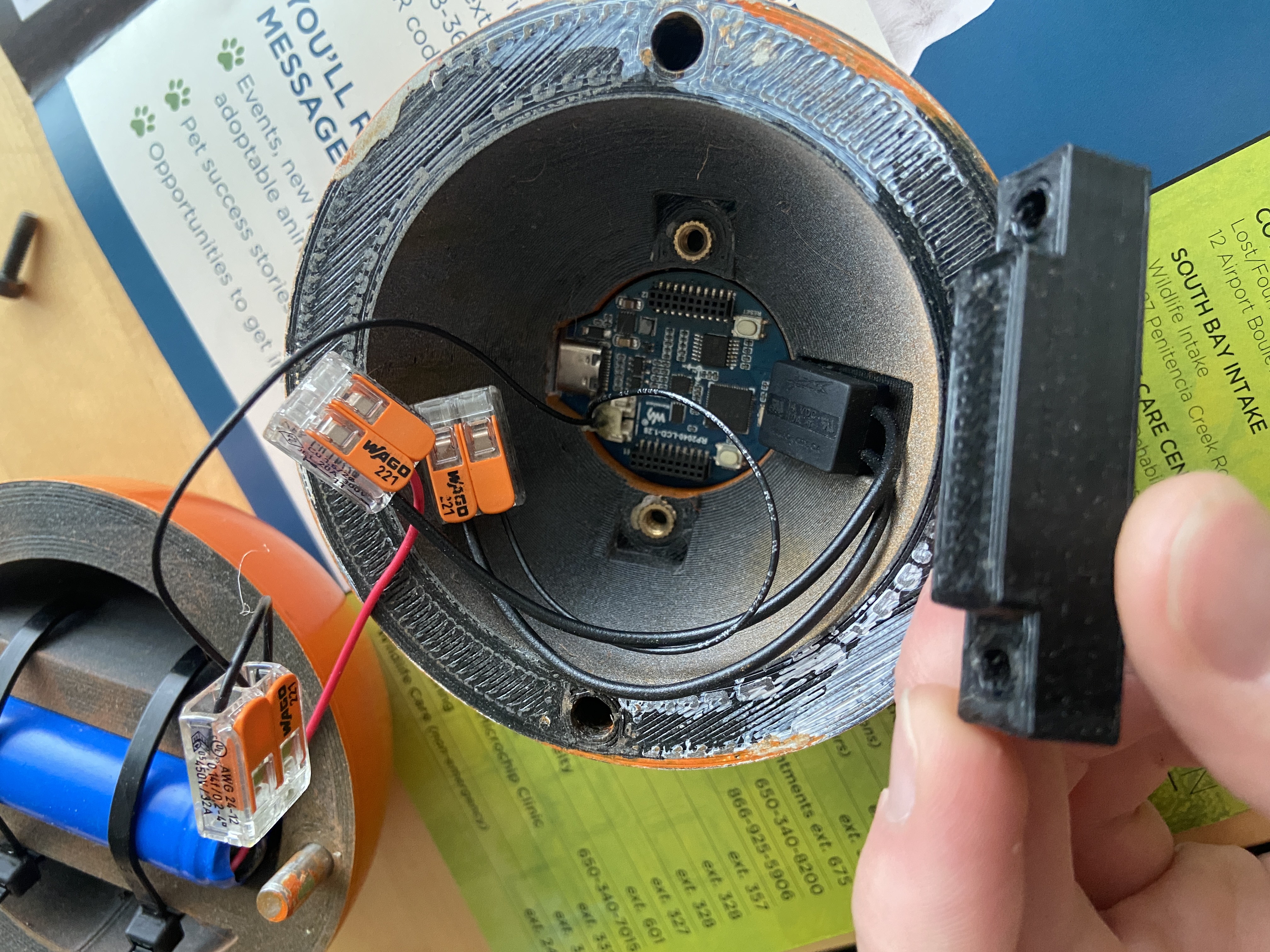
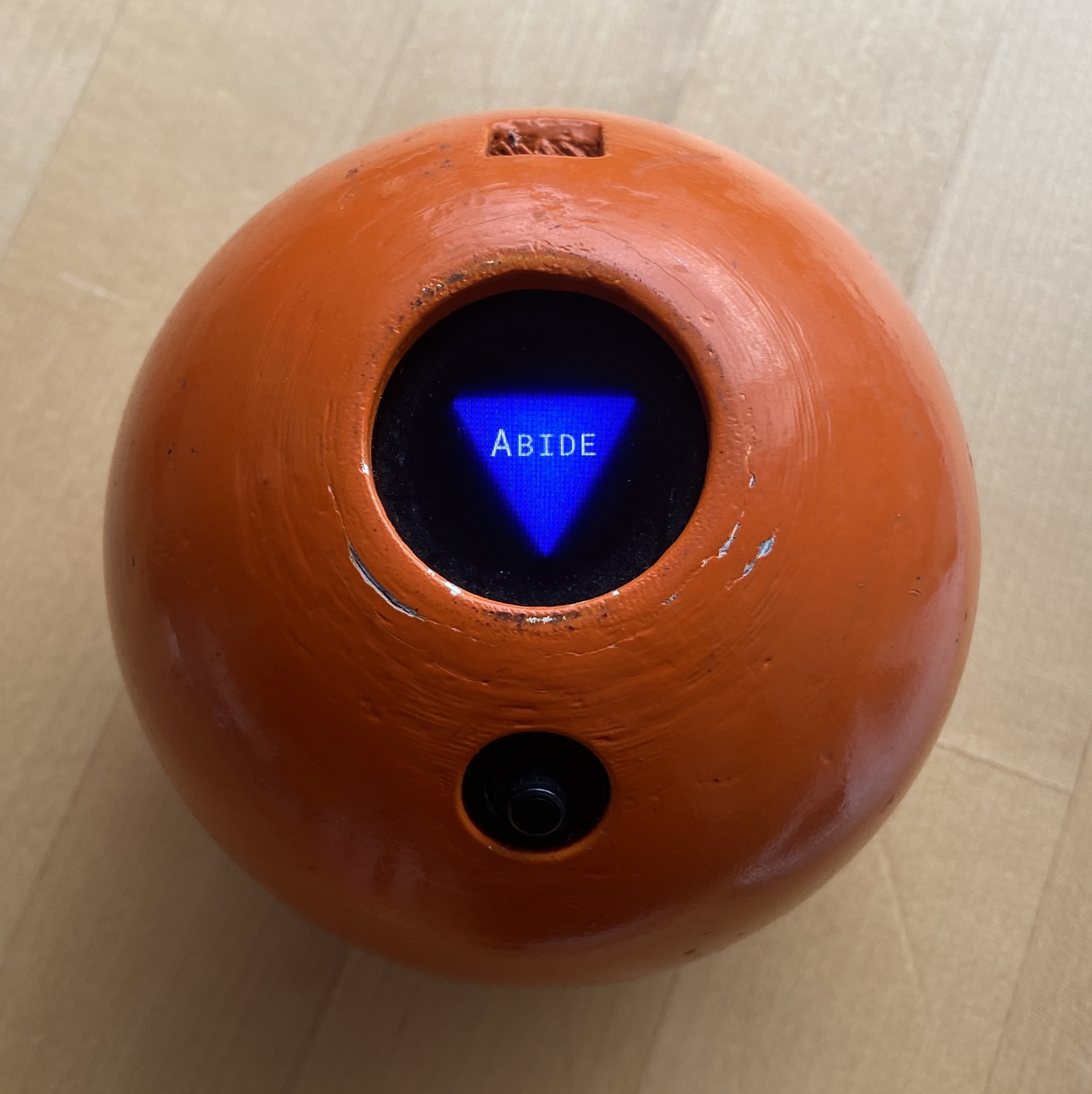
I 3D printed the shell halves, painted them, and stuffed everything inside in the few days before Christmas. I went with orange, since pool 5 balls are orange. The painting was a little hurried, and the Bondo filler I used to hide layer lines was a bit sloppy, but I think it came out visually impressive.
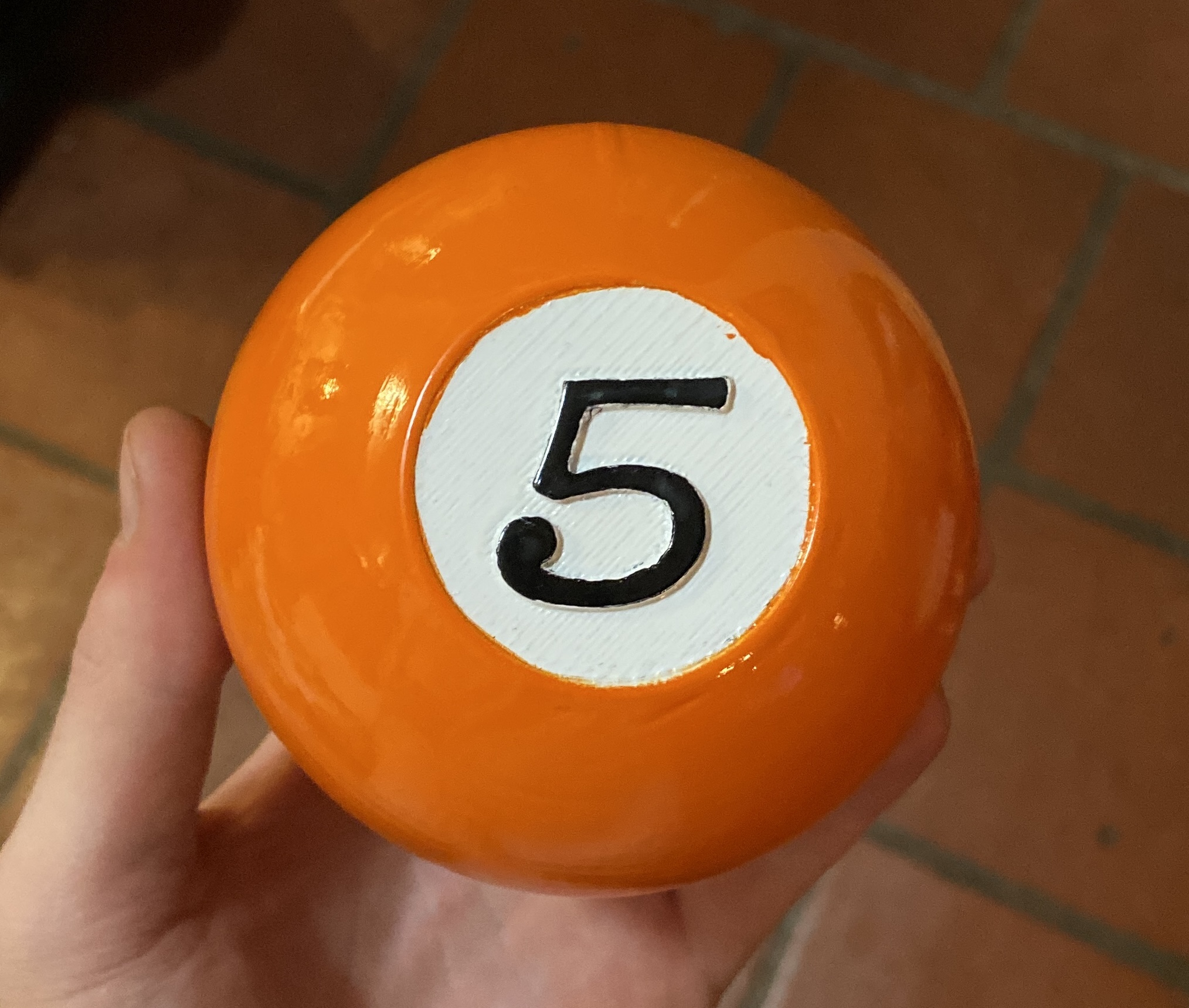
The functionality worked great, with a shake bringing up a new random word each time. Although 2,300 words is not that many from the perspective of microcontroller storage space, it is impressive from a Magic Ball standpoint, where it feels like you can shake it endlessly and uncover a new word each time.
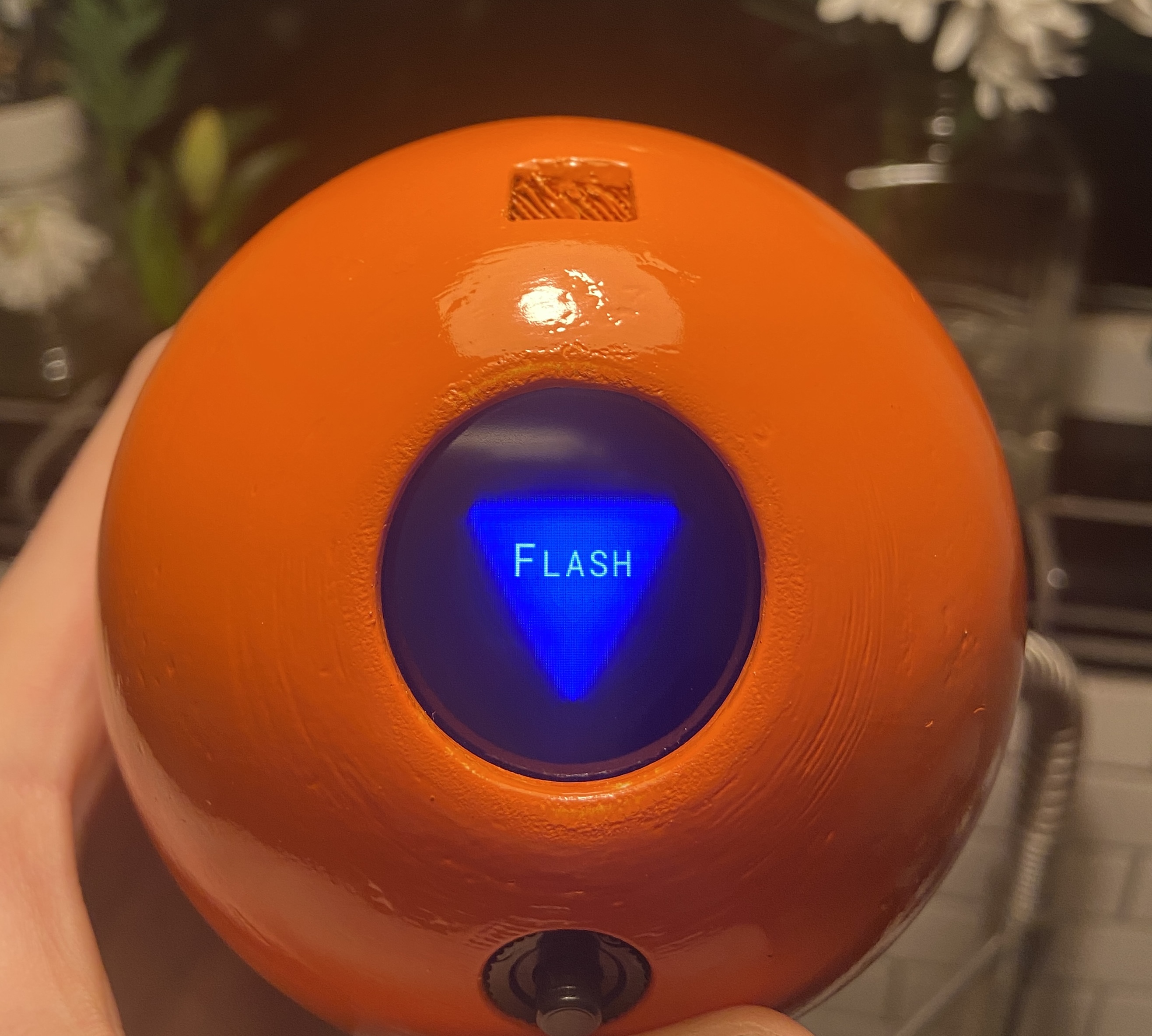
If I were to make it again with more time, I would want to remove the ugly on/off switch and the charging port. I think with a a custom PCB, power cutoffs to the peripherals, and a low power, interrupt-providing accelerometer (like Analog Devices ADXL362), the power switch could be eliminated. Similarly, I think a small wireless charging receiver coil could be used to eliminate the need for a recharging port.
My parents are still using it four years later, and it's starting to show some age. They like to shake it to get their starting guess word, which brings a little challenge and variety to the game. So far it has never given them the correct word on the first guess, though I did hear that it once gave the correct starting word just one day off.